Earn 15% to 20% commission plus 10% on repeat business for 24 months, or account credits for non-profits, when you refer events to ConferenceCaptioning. How the program works and how to apply.
Turn your captions into minutes, action items and sorted audience questions. Your AI assistant reads your event through a read-only ConferenceCaptioning connection. Nothing to install.
Add real-time AI captions and translations to OBS Studio as a Browser Source, running over your local network with no internet.
Start, stop, show and hide live captions and translations, and switch languages, from a Stream Deck using the free Bitfocus Companion module. Runs on your local network, no internet needed.
Ensure your captions never go down during critical live broadcasts with our robust hot-failover redundancy architecture.
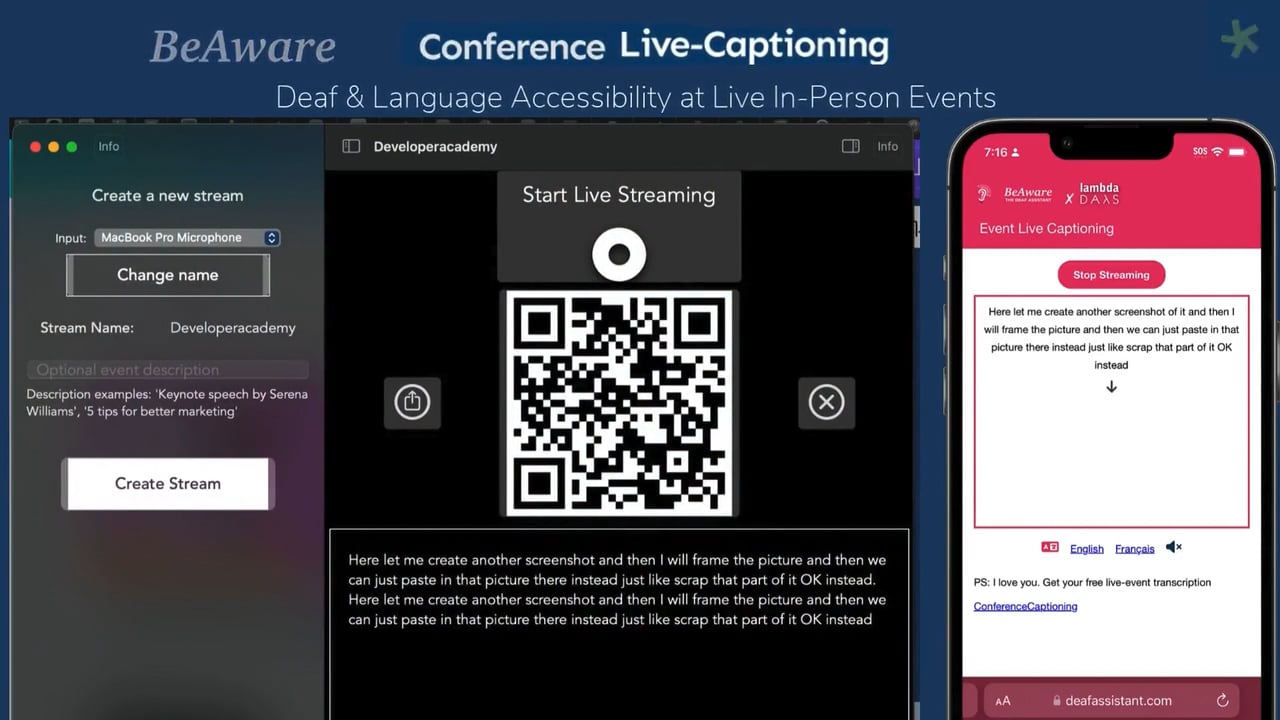
Get started with unimaginably fast captions & translations, impress yourself & everyone you know.
Process your event audio completely offline with our new on-device AI Chrome Extension.
Learn how to easily layer live captions and instant translations over any Keynote, PowerPoint, or Google Slides presentation.
A step-by-step guide to integrating live, real-time AI captions directly into your ProPresenter workflow for immersive event experiences.
Everything you need to know about setting up a dedicated Mac Mini to act as your local, zero-latency event translation server.
Lock down your AV network by assigning a static local IP address to your Mac, crucial for Dante, NDI, and local API servers.